Hello dear Reader,
I own a BeoPlay A9 2nd Generation, FW up to date (V2.6.56017.253178392).
I am wondering how to sync a radio stream playing on my PC (Windows 11) with it.
It is connected by wired LAN (no WiFi) to the internet.
What I have tried already:
- Using BeoConnect for Windows sounds just like what I am searching for! (Reference)
But although I did not find a list of compatible products, I guess my A9 is not compatible, since this connections seems some kind of SMB-based.
I did not find any SMB sharing options, neither any SMB user in my A9 settings.
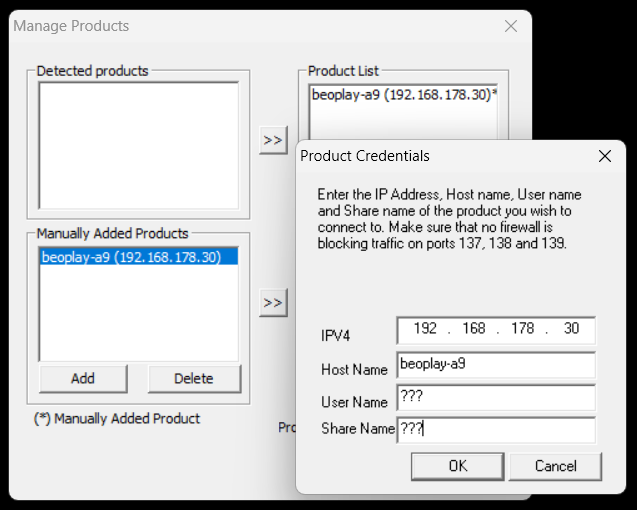
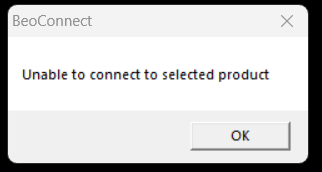 After manually adding it and leaving user & share blank, I get the error message "Unable to connect".
IP and Hostname are correct.
After manually adding it and leaving user & share blank, I get the error message "Unable to connect".
IP and Hostname are correct. - Using Google chromecast. Well... works for streaming! I can play a MP3 web radio stream locally on my PC using Google Chrome web browser and successfully stream it to my A9. Problem: Local playback of the stream is not supported! Also works with VLC media player, it does support Google chromecast since V3 as well. But same there, local playback stopped. Google chromecast does not seem to be a suitable solution for streaming on multiple devices - so unfortunately no solution for me.
- Using DLNA / UPnP something...
It seems to work somehow, at least Windows can find it.
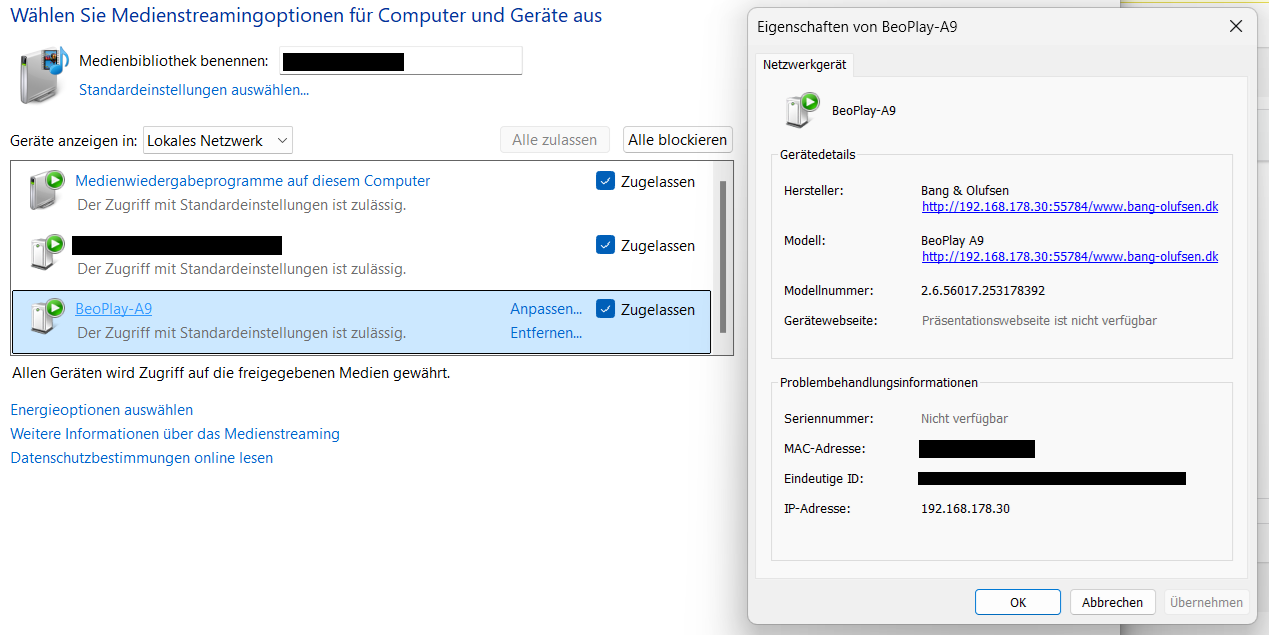 But this does not seem to be suitable for web streams. When playing a radio stream using Windows Media Player, it offers playback on different devices, but dropping a stream resouce there does not seem to work.
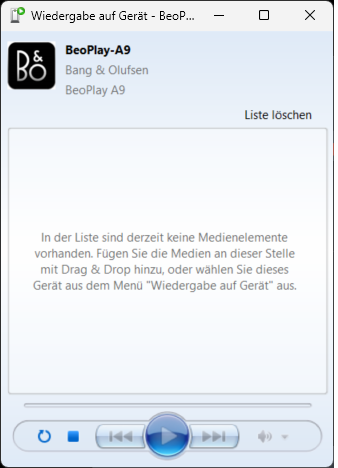 Playback of local stored MP3 and stuff seems to work, but again not simultaneously.
So again I cannot see a solution here.
Side note: VLC media player does not find it as UPnP device.
Playback of local stored MP3 and stuff seems to work, but again not simultaneously.
So again I cannot see a solution here.
Side note: VLC media player does not find it as UPnP device. - Trying to find a direct streaming interface like UDP Port 1234 VLC media player offers different streaming services, I have tried some of them, but my A9 does not seem to listen to those interfaces...
- Is my A9 really not supported by BeoConnect for Windows or is there any hidden setting how to activate it?
- Is there any undocumented streaming API interface my A9 is listening to?
- Is it maybe possible the other way around? Let it play B&O radio and somehow "subscribe" to it with a PC?
- Is there a BeoLink Client for Windows?